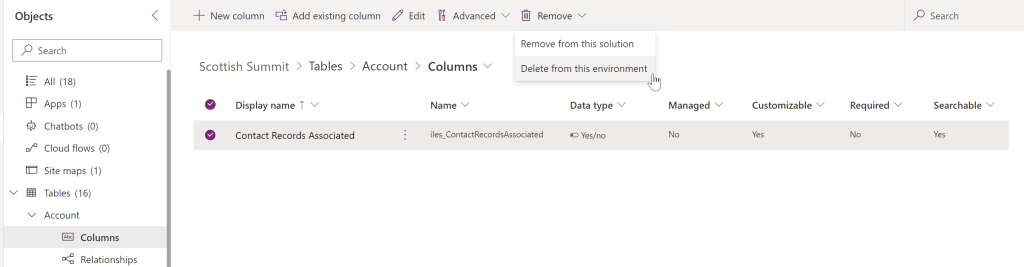
We’ve all been there – we have created a field in D365, linked it to a bunch of things like forms and business rules and then we notice the schema has a typo, or we picked the wrong field type. Off we go to delete it and if it is still linked to anything else in the system (i.e. there are other components that use it and therefore depend on its existence), we get an error to tells us that we can’t delete it because the field has dependencies:

Off we go and remove the field from the forms/views/business rules etc it is linked to on the list of dependencies, we check they are all gone from the list and 0 dependencies exist and we DELETE. The system dutifully deletes it and it is history. Wonderful. Except…
Here’s the fun fact: It turns out the system isn’t checking for everything this field is being used in. It will allow you to delete a field even if it is used within a Power Automate flow. When it comes to Power Automate flows the system will only consider a cloud flow a dependency if the field being deleted is included in the triggers of that cloud flow. Otherwise (e.g. if the field is set/used in a step of the flow) the system doesn’t consider it a depency and you can delete the field.
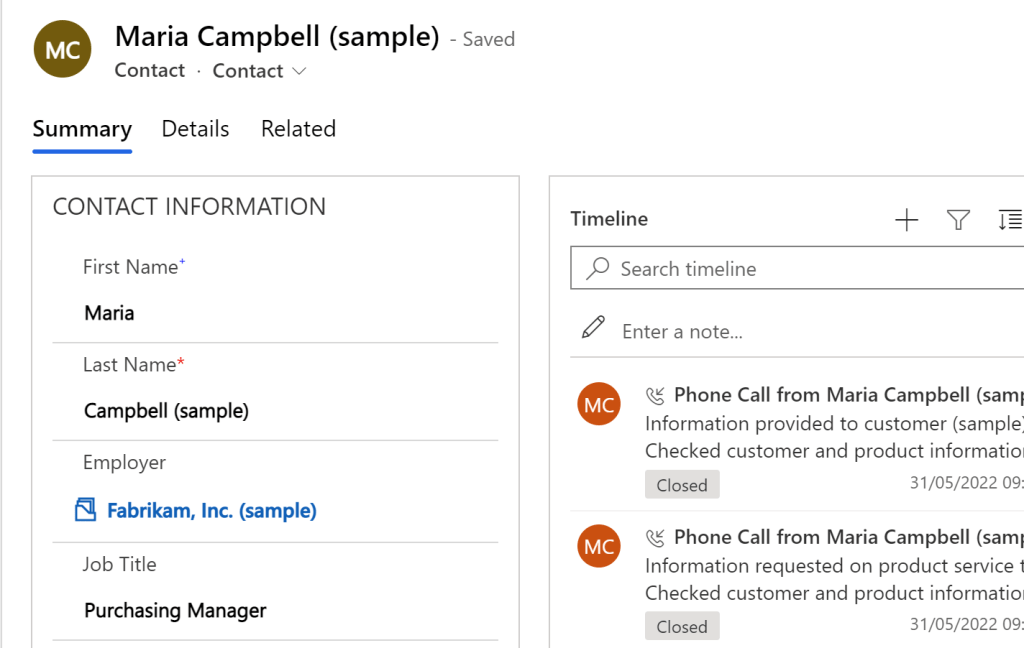
Lets take an example where I have an ‘Employer’ lookup field on the Contact form that allows me to select the Account record of the company this person works for:
For reporting purposes I have a yes/no ‘Contact Records Associated’ flag on the Account form to let me know if an Account does or doesn’t have contacts associated to it:

I create a Power Automate flow on Contact creation (or when the ‘Employer’ field changes on the Contact) that updates the Account ‘Contact Records Associated’ flag to Yes:


If I then look at the dependencies list of the ‘Contact Records Associated’ field, the cloud flow does not appear – only the form the field is on does and I can delete the field even though it is in a cloud flow step:

In contrast – if I create a flow that has the field as a trigger like the below…
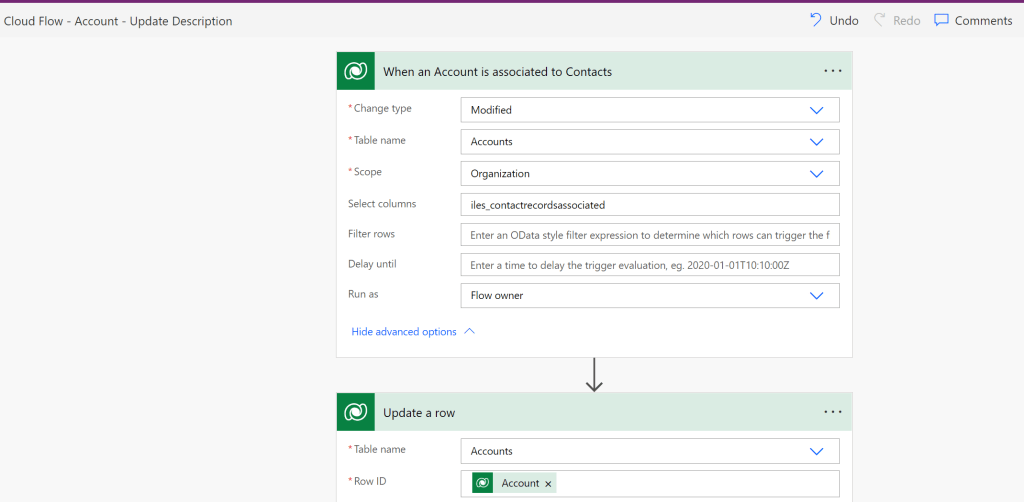
Then the flow will appear in the depedencies list (and I can’t delete the field until I have removed it as a trigger):

So what happens to a flow that uses a field within a step when you delete it?
If you open it you will get a misleading message there is an issue with its trigger (but it is not the trigger that is the problem, its the step that is trying to set a deleted field):

Not all hope is lost though, because the flow will show you want it used to do with that field and which field it was starting with ‘item/‘ and then the field schema name:

You won’t be able to save the flow until (in this example) you clear the value that is being set for the deleted field, but once that is done and you refresh, this reference will disappear and you will have a happy flow.
How do you know which flows you need to go and fix if you are deleting a field since the dependencies list won’t tell you? See here for full details!
 Areti Iles
Leave a comment